AI tattoo studio · concept → stencil in seconds

Turn any tattoo idea into a ready-to-ink design.

Describe your idea, pick a placement and size, and let AI generate unique concepts — plus a print-ready stencil, a dotwork map and a realistic on-body preview. For tattoo artists and their clients.

4.8 / 5 · loved by 300+ artists & clients
11 tattoo styles Stencil & dotwork export 6 languages
Conceptgenerated in seconds
Stencil readyprint & transfer
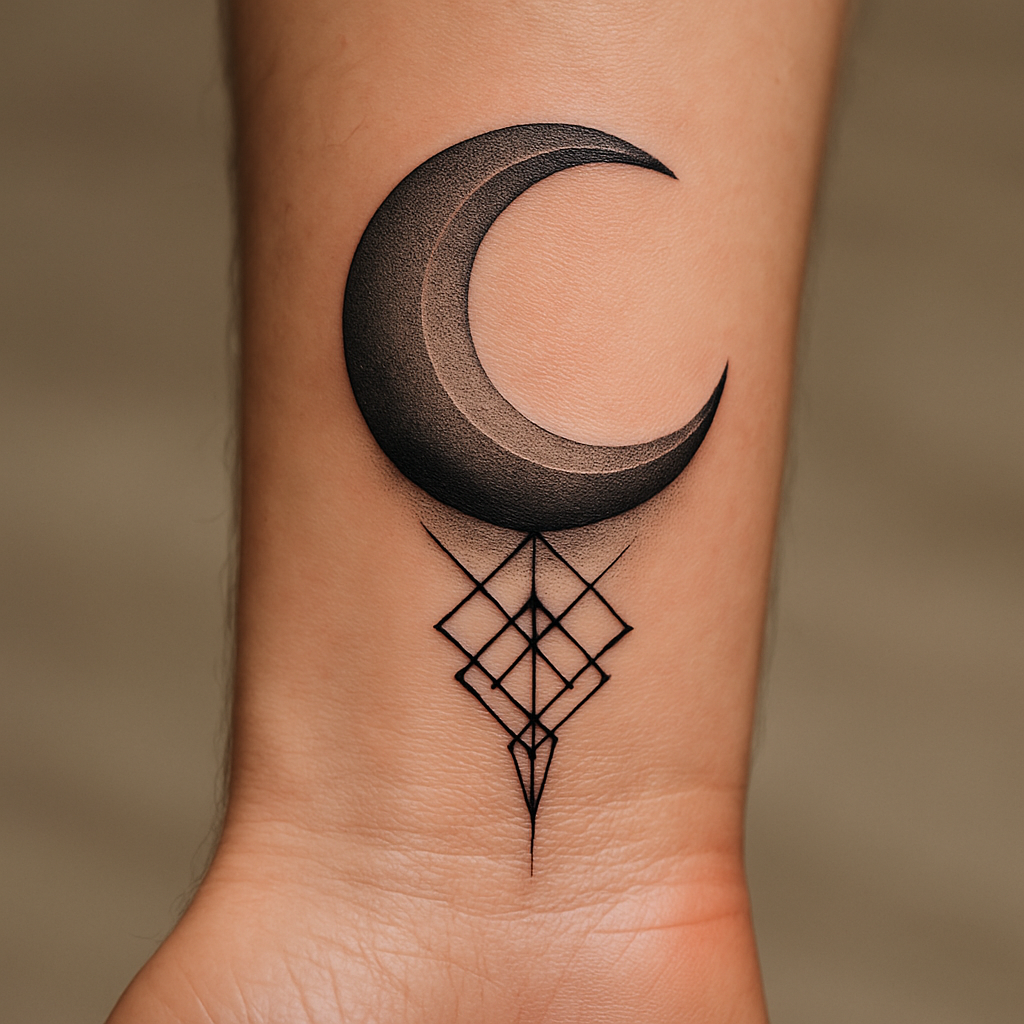
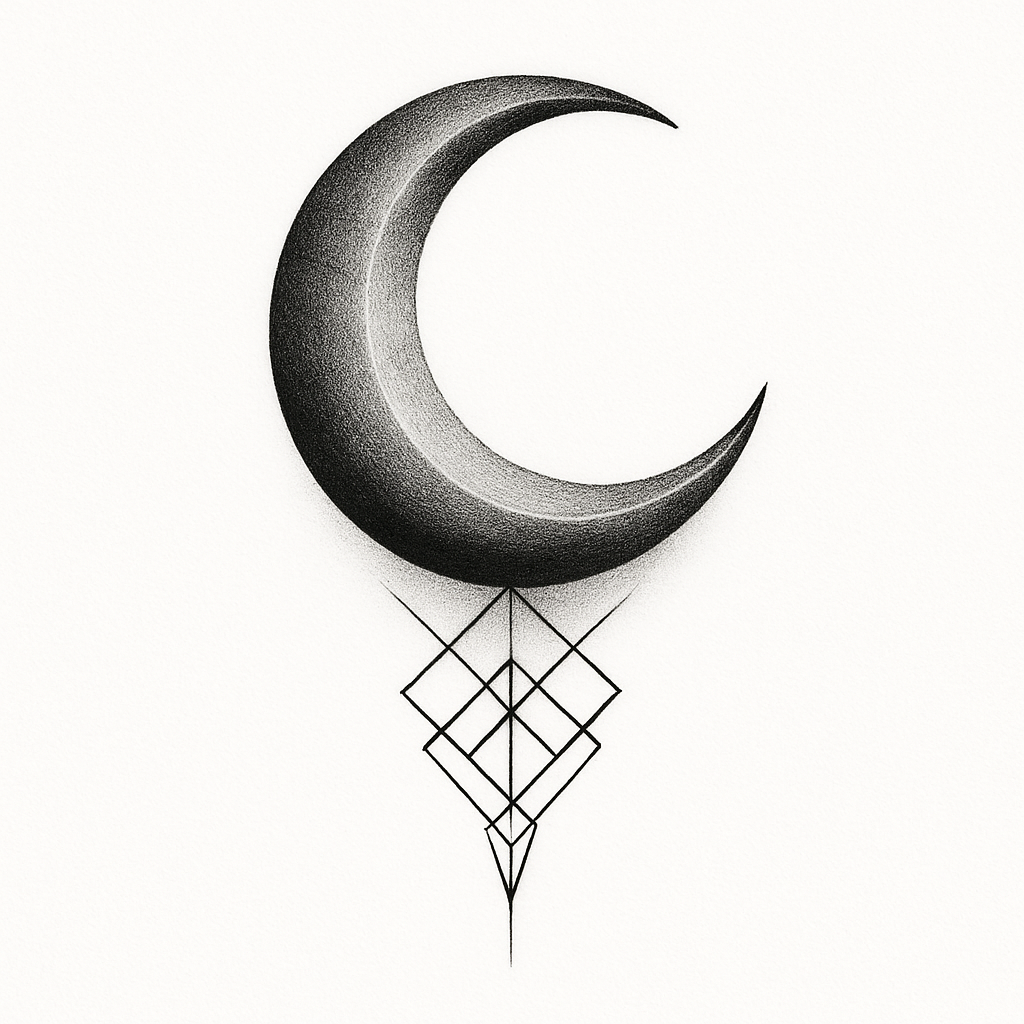
AI-generated crescent moon tattoo previewed on a wrist
On-body previewFine-line · wrist
Seconds
From idea to concept
4
Deliverables per design
11
Curated tattoo styles
PNG
Print-ready downloads

Everything you need

From inspiration to stencil-ready art

One intuitive, professional workflow that replaces hours of sketching and back-and-forth.

AI-generated designs

Describe any idea and get unique, custom tattoo concepts tailored to your vision.

Placement & size aware

Choose the exact body placement and dimensions so proportions come out right.

Multiple variations

Get several sketch variations in seconds and pick the direction you love.

Print-ready stencil

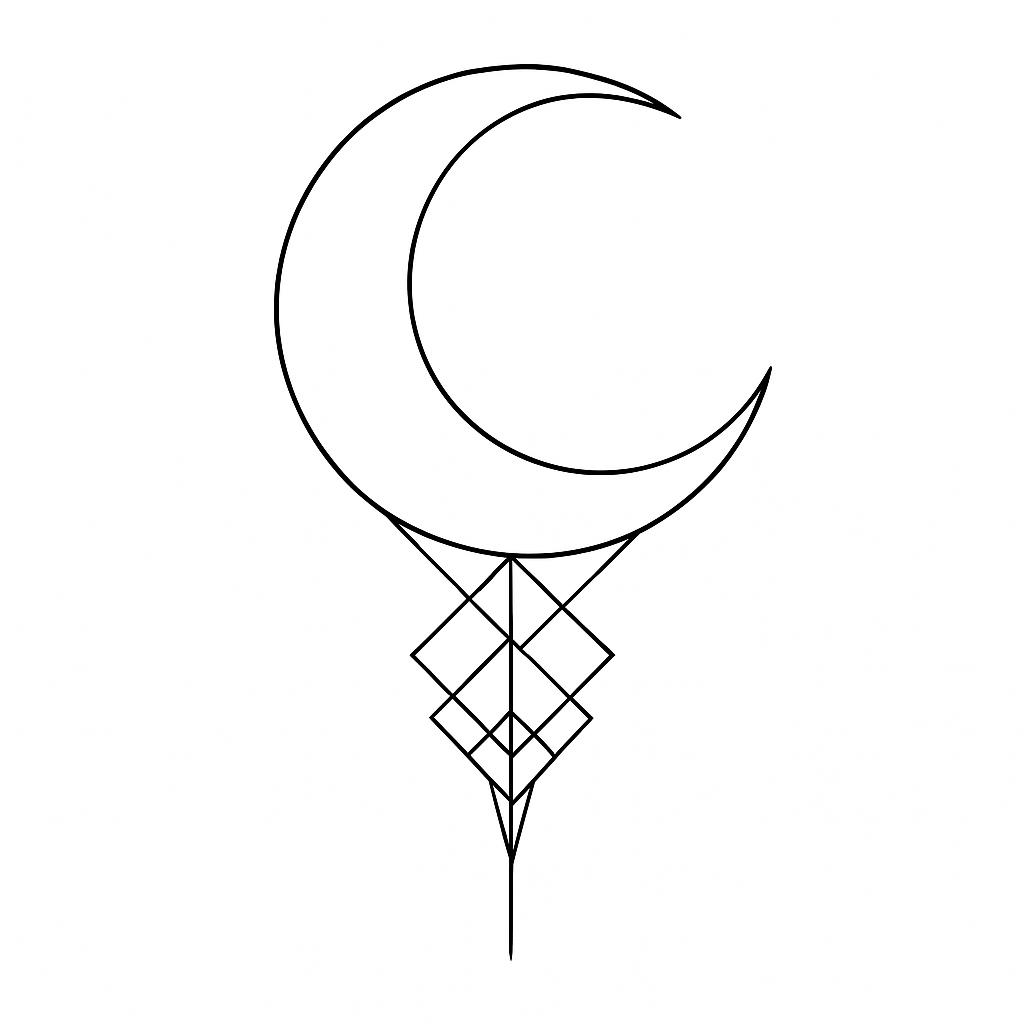
Clean black-and-white outlines, ready to print and transfer onto skin.

Dotwork map

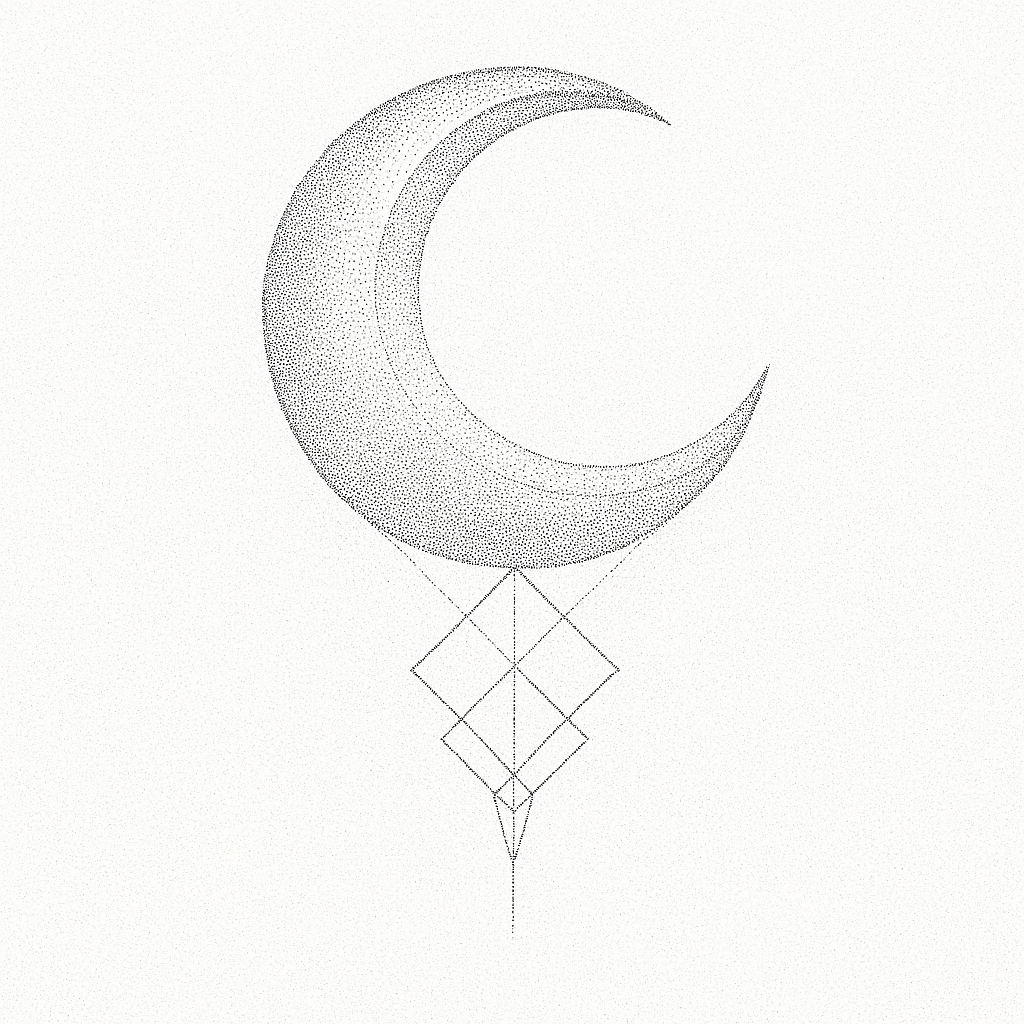
A shading guide showing where to pack dots — denser for darker, lighter for highlights.

Realistic on-body preview

See the design rendered on real skin before you ever commit to ink.

How it works

Three steps to stencil-ready

From a sentence to a design your artist can work from — no sketching skills required.

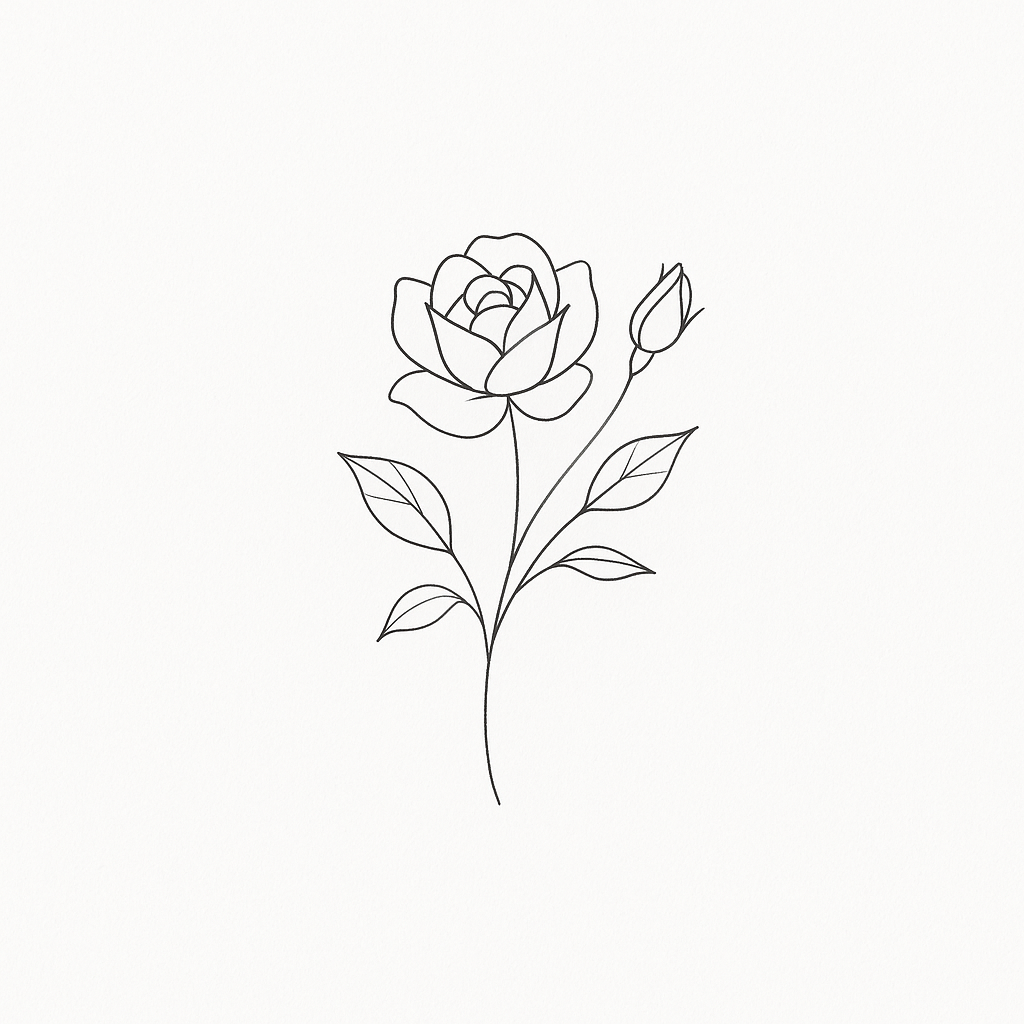
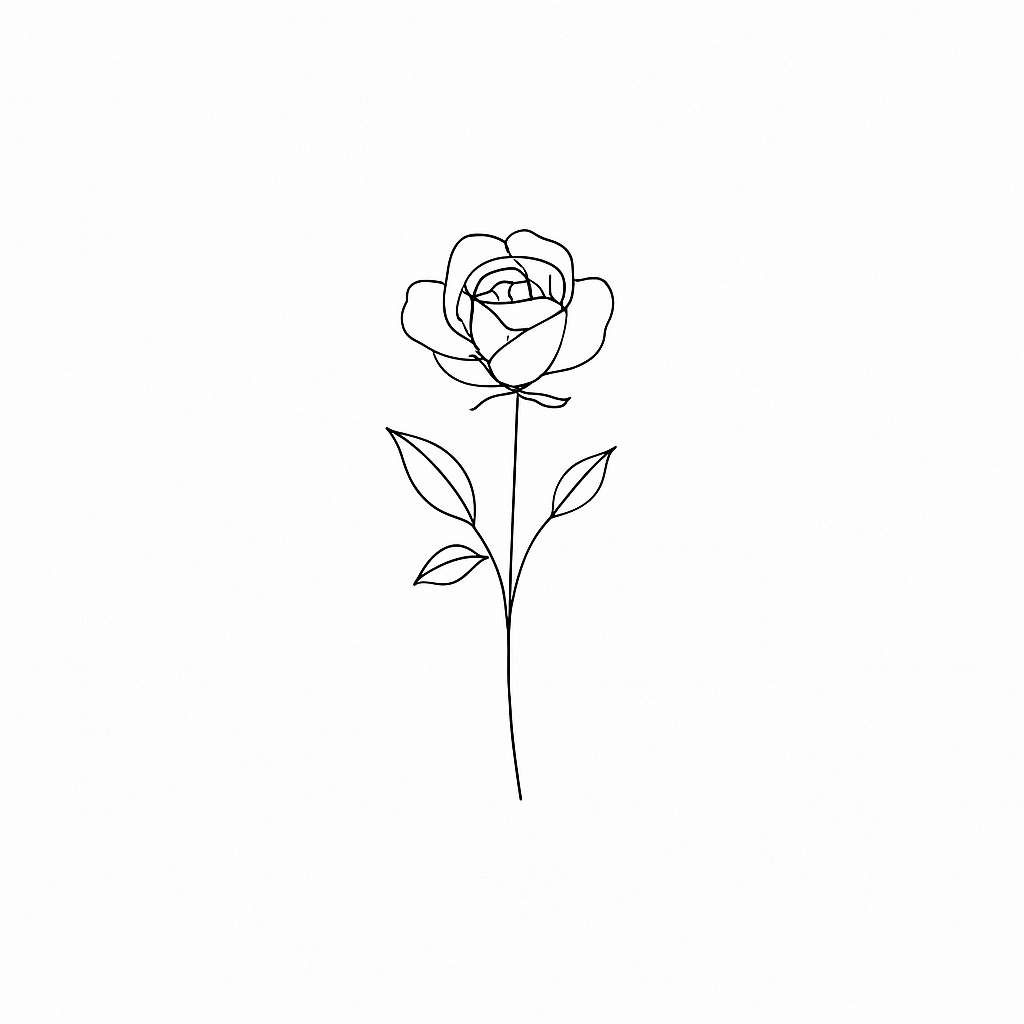
1 Fine-line rose concept generated by Inkora Concept

Describe your idea

Write your idea, add an optional reference, then choose a style, placement and size.

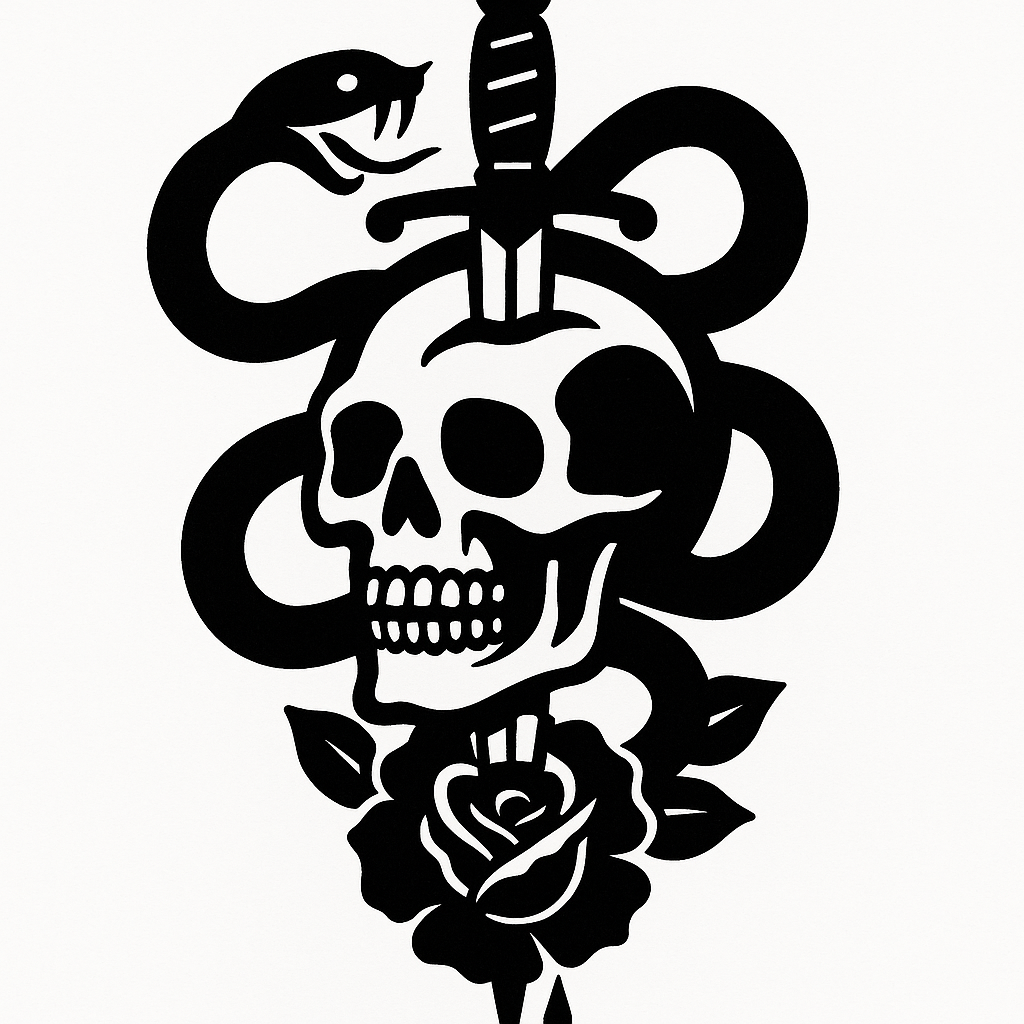
2 Print-ready black and white stencil Stencil

Generate & refine

AI draws several unique concepts. Pick your favourite and get a clean, print-ready stencil.

3 Dotwork shading map Dotwork + preview

Take it to the chair

Export the stencil, dotwork map and on-body preview — everything your artist needs.

Built for both sides of the needle

One tool. Two workflows.

For artists

Design faster, book more

Turn a client's rough idea into a proposal in minutes and walk into the session prepared.

  • Ready-to-transfer stencils — skip the redraw, print and go.
  • Dotwork shading maps to plan density before the first pass.
  • Fewer revisions — align on the concept before the client sits down.
For clients

See it before you ink it

Explore your idea, try styles and preview it on your body — then bring it to your artist.

  • Custom concepts from a simple description of what you want.
  • Realistic on-body previews so there are no surprises.
  • Confident conversations — hand your artist a clear reference.

Loved by both sides of the needle

Artists and clients, on the same page

★★★★★

“I turn a client's rough idea into a proper proposal before they even leave the DM. The stencil export alone saves me an hour a session.”

MMarta K.
Fine-line artist · Berlin
★★★★★

“I was terrified of committing. Seeing my design previewed on my own arm made the whole thing feel real — my artist loved the reference too.”

DDan R.
First tattoo · Austin
★★★★★

“The dotwork map is the killer feature. I plan density before the first pass and my shading comes out cleaner every time.”

SSofia L.
Blackwork artist · Lisbon

Questions

Everything you might ask

Is Inkora free to try?
Yes — you can start designing for free, no card required. You only pay if you want more generations or higher-resolution exports.
Do I own the designs I generate?
Absolutely. Anything you create is yours to print, transfer and tattoo. Export the concept, stencil, dotwork map and on-body preview as PNGs.
Is this meant to replace tattoo artists?
Not at all — it's a tool for artists and their clients. It removes the tedious back-and-forth so you walk into the session aligned on the concept, with a stencil ready to go.
What styles are supported?
Eleven curated styles including fine-line, minimal, blackwork, dotwork, geometric, traditional, neo-traditional, realism, sketch, watercolor and traditional color.
Can I use my own reference image?
Yes. Upload an optional reference alongside your description, then pick a placement and size so proportions come out right for the body.

Inkora on the go

Design your next tattoo from your pocket.

The full studio — concepts, stencils, dotwork maps and on-body previews — now on iPhone and Android. Your designs sync everywhere you sign in.

Free to start Syncs with web Export in full resolution
Inkora mobile app showing an AI tattoo on-body preview
On-body previewFine-line · wrist
Your next tattoo starts with a sentence.

From inspiration to stencil-ready concepts — Inkora makes tattoo design faster, easier and more creative.

Open Inkora — it's free to start
No card required to try · Works in your browser
Start designing — free